







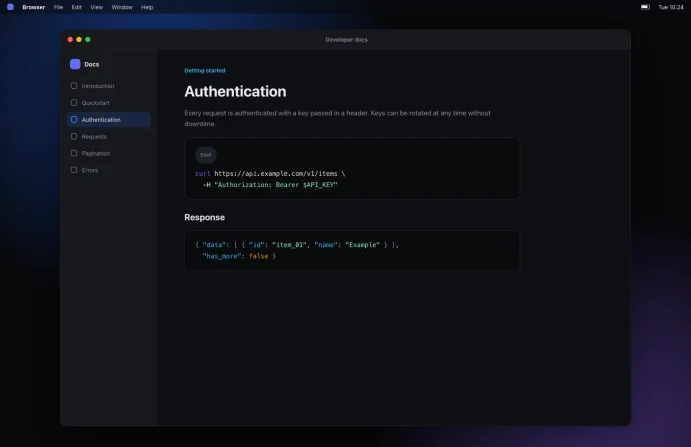
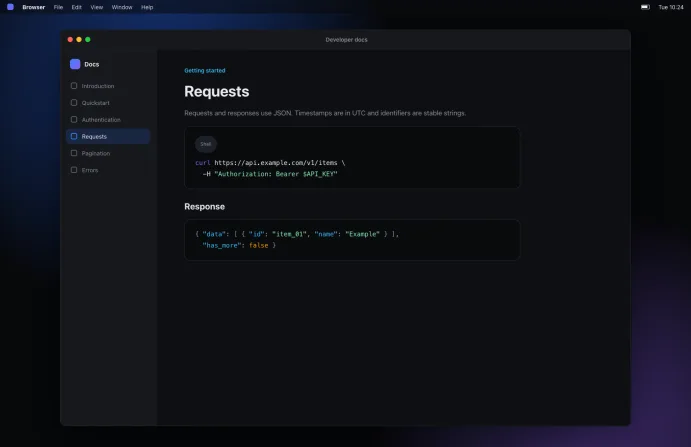
Free device recording
for quick or pro work
Record your screen, camera, microphone and system audio, each on its own track. Chord is local-first: everything stays fully editable, and is stored as ordinary files on your device.
- Free and open source
- Local-first
- No account needed
Record, then edit in the same app
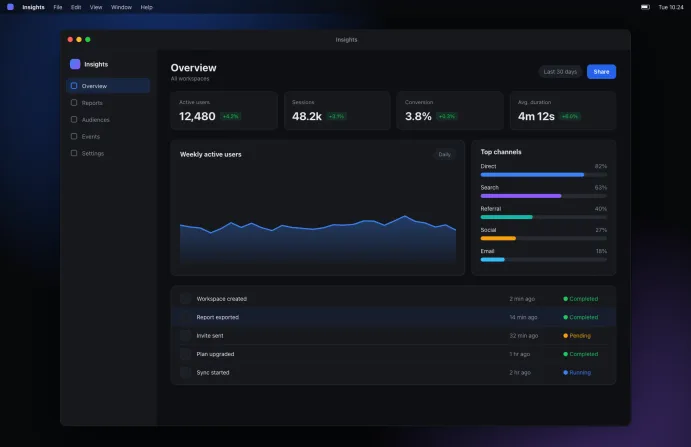
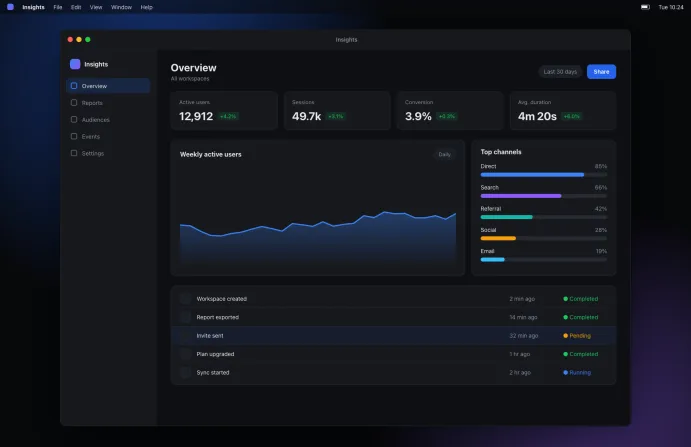
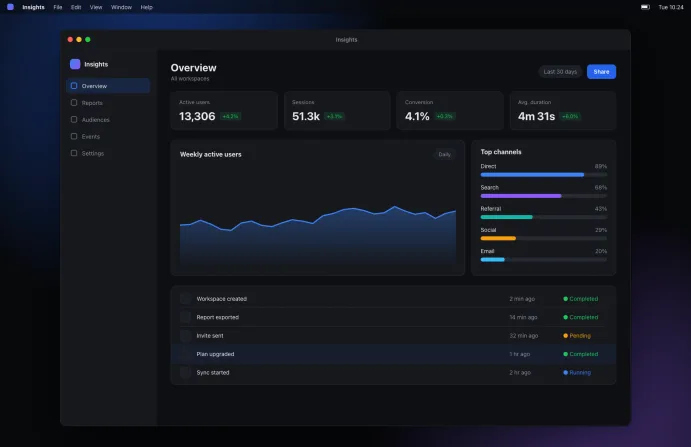
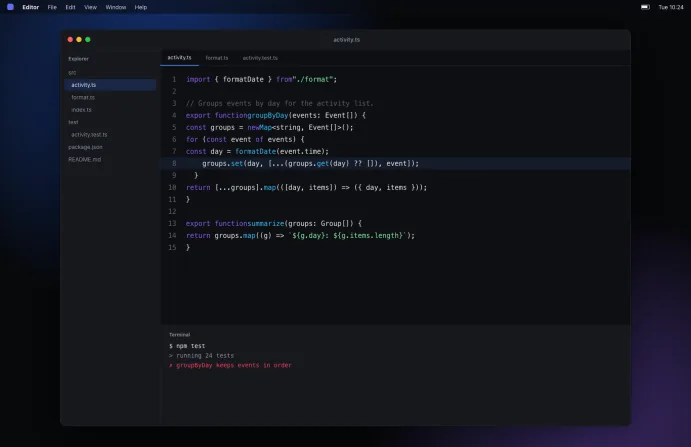
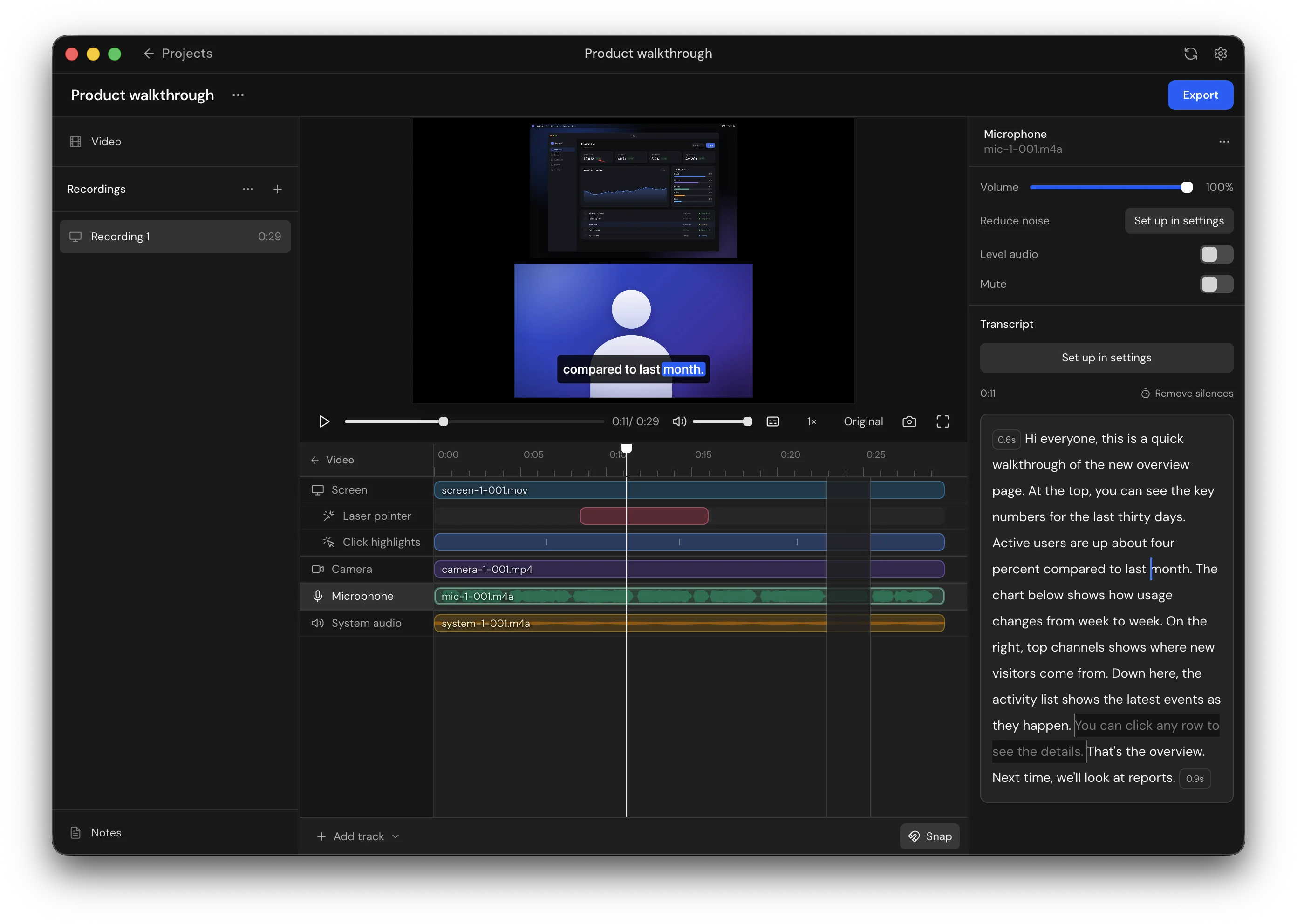
Cut your recordings on a timeline, add captions, clean up the audio and export the finished video, with no other editor needed. Every change can be undone, and your original recordings are never changed. For more complex projects, open the same files in the video editor you already use.
-
Editing
Arrange recordings as clips on a timeline, then split, trim and move them. Give each clip its own layout, from a single feed to picture in picture.
-
Transcription
Transcribe on your device, cut a recording by selecting words, and burn in captions or export them as TXT, SRT and VTT files.
-
Camera backgrounds
Remove your camera's background, then blur it or swap in a color. Your original footage is never changed.
-
Pointer and keyboard effects
Add a laser pointer, click highlights and key presses, each on its own track.
-
Audio cleanup
Reduce background noise, remove silences in one go and even out voice levels.
-
Export
Save H.264 MP4, transparent WebM or GIF files, or a single frame as a PNG.
-
Ordinary files on your device
Each source is saved as its own file in your Movies folder, ready to open in any other app. And Chord itself is free and open source.

More platforms coming soon
Chord starts on the Mac, and is on its way to Windows, Linux and mobile.
- Coming soon
Windows
Record and edit on your Windows PC, with the same separate tracks and ordinary files.
- Coming soon
Linux
Record and edit on your Linux desktop, with everything stored on your device.
- Coming soon
Mobile
Record on the go from your iPhone or Android phone.
Questions and answers
Is Chord really free?
Yes. Chord is free and open source under the AGPL-3.0 license. There is no subscription, no paid tier and no watermark on your exports.
Do I need an account?
No. Download Chord, open it and start recording. There is nothing to sign up for.
Are my recordings uploaded anywhere?
No. Chord is local-first: your recordings, transcripts and edits stay on your device. Transcription, noise reduction and background removal run on your device too. Chord only goes online to download the models these features use, the first time you turn them on, and to check for updates.
What do I need to run it?
A Mac with Apple Silicon, running macOS 14 or later. A few features need a newer version of macOS. Intel Macs are not supported yet.
Can I use my recordings in another editor?
Yes. Each source is saved as its own ordinary file, so you can open your screen, camera and audio tracks in any video editor you already use.
When will Windows, Linux and mobile be ready?
They are in the works, but there are no dates yet. Watch the repository on GitHub to hear about new releases.
Where can I get help or report a bug?
Open an issue on GitHub, or ask in the Teamblocks Discord. Chord is in early development, so expect some rough edges.
Start recording with Chord
Free and open source, with no account to create. Your recordings stay on your device.
Requires a Mac with Apple Silicon and macOS 14 or later